
Art Instruction for Everyone.

Read More
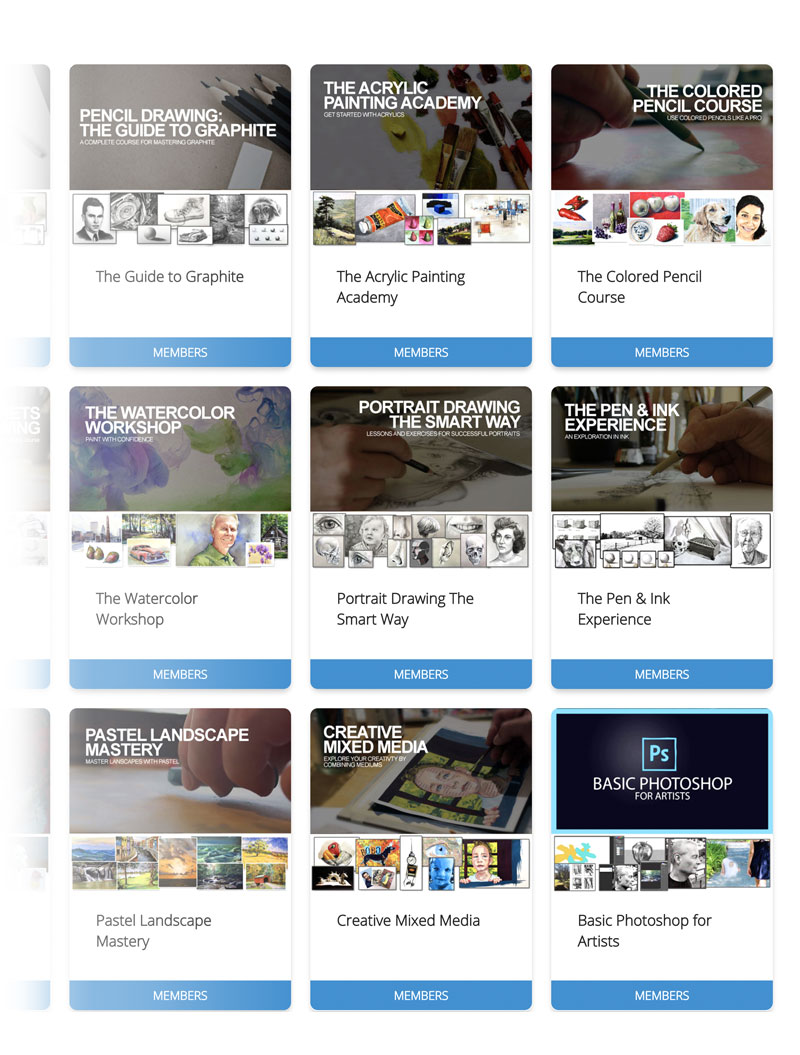
A collection of comprehensive drawing and painting courses designed with the learner in mind. Courses are broken down into multiple "easy to follow" lessons. Each course lesson includes a HD video and an accompanying ebook. Concepts build as you go. We explain everything with no assumptions. So even if you've had no prior experience, you can be successful.
Learn from courses for nearly every medium you can imagine - drawing basics, graphite, colored pencils, pen and ink, acrylics, pastels, watercolor, oils, mixed media and more.
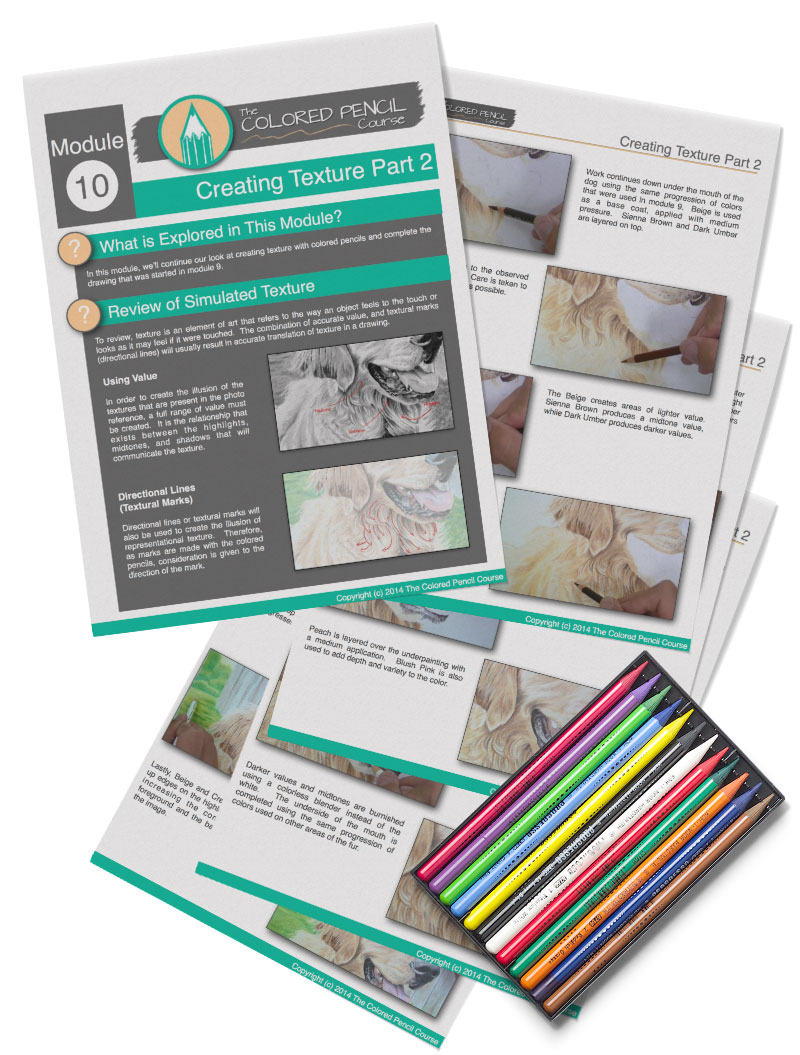
We all learn differently. Not all of us learn most efficiently from a video. Some of us prefer to learn from a book, so why not include both! The courses have been developed to accelerate learning by teaching to many different learning styles. Each course module includes an illustrated ebook that corresponds with the video. Every step and concept is clearly illustrated and described in each ebook.
The 168 ebooks combine for a total of well over 1000 pages.
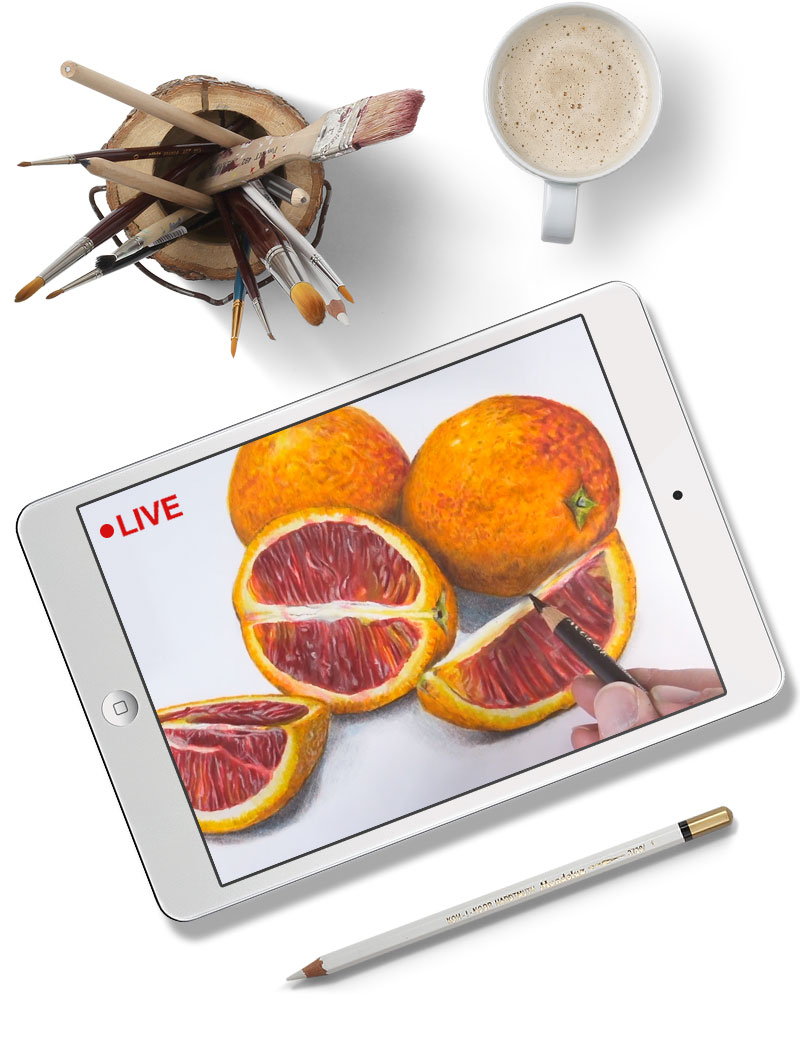
There's nothing like a live class! Each week a new lesson is streamed live right from the studio. Join in the class discussion, ask questions, and watch and learn as the art develops in real time. Can't make it to the live class? No problem. Each lesson is recorded and added to your on-demand library for you to watch as many times as you like.
Over 490 recorded Live Lessons await you.
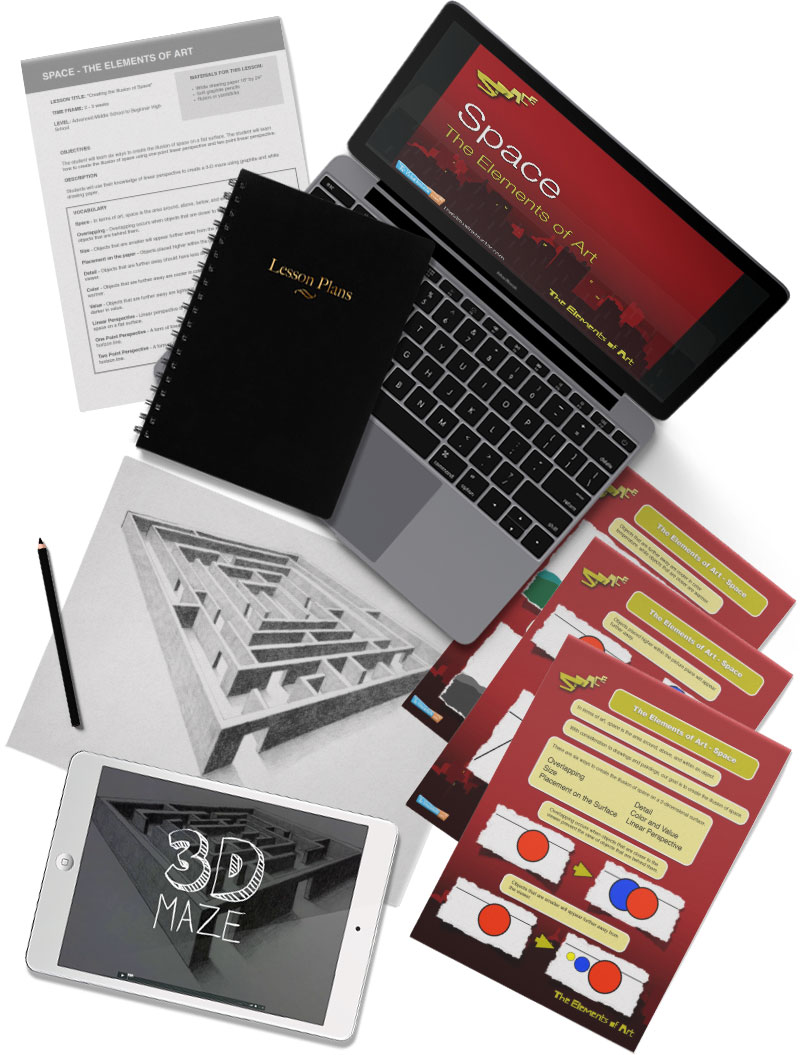
Your membership also includes "The Ultimate Lesson Plan". "The Ultimate Lesson Plan" is a complete classroom solution for middle and high school teachers. Each lesson plan includes a description, procedures, a list of materials, introduction videos, supplemental videos, Essential Questions, PowerPoint presentations, Keynote presentations, an example of completed work, art history examples, an artwork evaluation form, printable full color handouts, and a quiz.
A full year's curriculum, complete with resources!
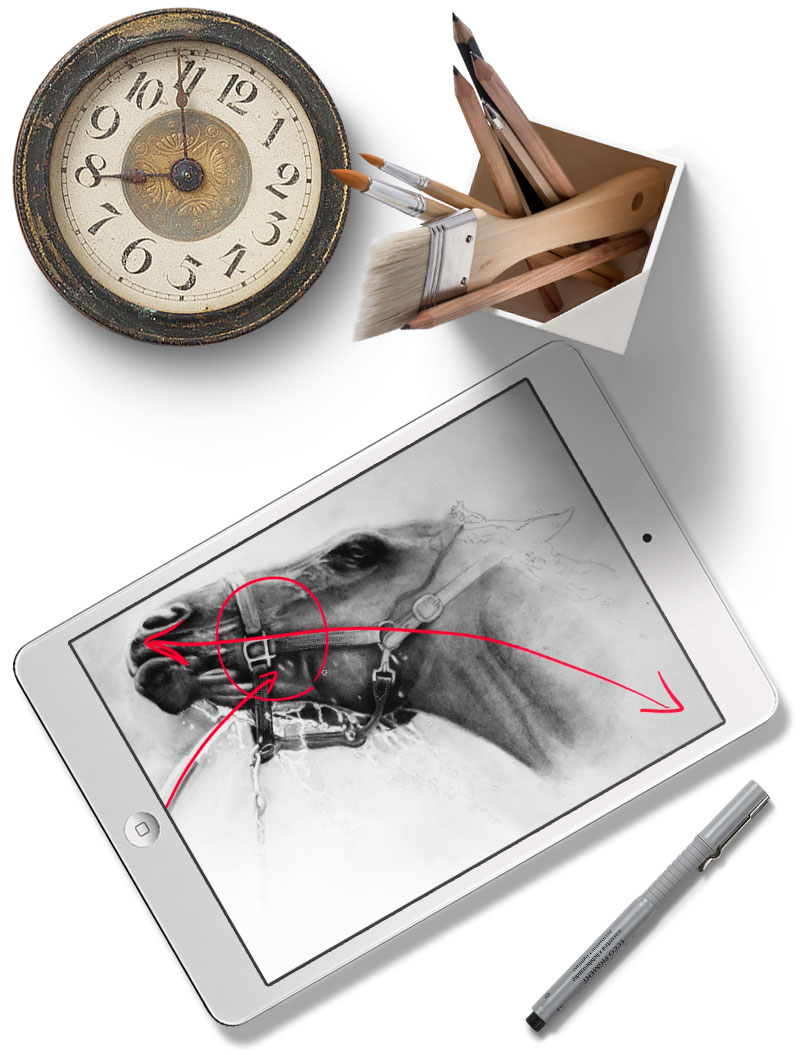
We learn more efficiently when we learn together. Submit your work for critique on The Member's Minute and learn from the critiques of others. Learn how to make the right decisions for your art. Each week a new episode is released packed with critiques of artwork, tips for improving as an artist, and encouragement to keep going.
Learn from over 460 critiques with a new one added each week.

"Hi Matt, I wanted to send you a quick thank you email. I reached out to you a while back regarding art school and I want you to know how much the personal response/video you made for me helped and directed me. With your guidance on portfolios and self direction I was able to finish your Watercolor Workshop, Colored Pencil Course, and start on the Oil Painting Mastery course. I easily created over 30 pieces and took your advice on breaking off from the videos and created my own pieces. I put together a very strong portfolio and sent off my applications almost 3 months before my expected deadline and already got accepted. I applied to The School of the Arts Institute of Chicago and not only got accepted but received a full scholarship & some more. So I'll start in this upcoming Fall. When I wanted to develop my drawing and art skills your videos were exactly what helped me do so. Your positive and motivational advice and expertise was a blessing and I want to thank you for being the type of person that you are and supporting people's dreams and passions. Your courses provide such a strong base to work off of and develop skills, I plan on using them as reference for the years to come. Thanks again Matt." - Maurice
"This is without a doubt the most amazing online experience I have ever had. Matt is an excellent instructor and the videos are hands on, superbly paced, and perfectly executed. BRAVO !!!!" -Alexia
"Hey Matt used this video today in my 2nd year art class, with ultimate lesson plan resources. OMG what a class it was!! What a joy it was to be able to give each student one on one while your videos clearly, concisely, eloquently and expertly explained the concepts. As a sculptor/crafter it’s great to stand on your shoulders for the art areas that aren’t my speciality. That’s a big thank you from Ireland!! You da’ man." -Niall
Why waste hours sifting through YouTube videos that don't actually teach you anything? Teaching is an art. There are plenty of skilled artists out there but only a handful can teach in a way that make concepts easy to understand. We make learning easy and fun. You'll see just how personal the learning experience can be when you have an instructor that deeply cares about your success and is passionate about his students.
 INDIVIDUAL LEARNERS
 TEACHERS
 STUDENTS
 HOMESCHOOLERS
(Billed after 7 day free trial)
- All comprehensive courses
- All illustrated ebooks (over 1000 pages)
- All weekly Live Lessons
- All Ultimate Lesson Plans (a full year)
- All Member's Minute critiques
- 30 Day Money Back Guarantee
(Billed after 7 day free trial)
- All comprehensive courses
- All illustrated ebooks (over 1000 pages)
- All weekly Live Lessons
- All Ultimate Lesson Plans (a full year)
- All Member's Minute critiques
- 30 Day Money Back Guarantee
If you are not completely satisfied with membership after you purchase, simply contact me and I will be more than happy to refund your purchase – no questions asked! You can essentially try out membership risk free. I’m sure you’ll find that it helps you out, but if it doesn’t - you’re completely covered.

"I just want to say thank you Matt. I can honestly say I could never draw anything until I came across your drawing courses. I went straight into your coloured pencil course and haven’t looked back since. I want to be able to draw a portrait of my late mother which has led me onto this course. Once again thanks Matt, you have given me my confidence and faith in myself and yes! I can honestly say, I can now draw without feeling I can’t (if that makes sense)..xxx" - Dorne
"I have improved more in the few days that I have been taking these lessons than I did in a month of trying to relearn the drawing skills that I lost due to Traumatic Brain Injury. As Karonne said, 'I am proud of myself.' Thank You. If you can teach this elderly brain damaged student, you can instruct anyone to become a proficient artist." -Francis
"I thank you from the bottom of heart for this course. It’s so well structured that anyone could start drawing." -Sujanith
"Matt, I want to thank you for bringing the kid in me back out to play. I used to draw in my early teens and somewhere along the way I just stopped doing it. Lately I have been searching for a hobby to give me something to do and I decided to see if I can learn to draw and not just sketch or doodle. I’ve always wanted to create pictures like the ones you are doing. Well, anyways I am rambling on here and I just want to thank you for this website and your wonderful style of teaching. I may be 56 years old but I feel like a kid again! Thanks again, I cannot wait to start the other courses. I want to learn everything" -Timothy
"I am so impressed w/your organizational skills, Matt, as they relate to the lessons. So easy to follow/understand. And, of course, I see that your art is truly awesome. Can’t wait to get started. Have loved art my entire life but have never come across such a fine instructor. You’re truly a 'find'. -" -Charlene
"What a wonderful course! This course has filled in a lot of gaps for me and improved my drawing skills considerably. I look forward to taking more courses and to continue learning and improving my art skills. Thank you, Matt, for putting so much thought into each module and creating such an informative and organized course!" -Georgiana
"Matt, I love these member critiques. I learn so much from them. I play a little game with myself and try to guess what you are going to say. As I move along my artistic journey I find that I am getting better and better at seeing what could be improved. You are so kind and supportive, but you offer suggestions that really help one improve. And I appreciate members who are just like me sharing their work so that all of us can learn!" -Karen
"Hey Matt, thanks for creating this traditional art resource. You literally saved me thousands of dollars that would have gone to an art school with not-enough liberal arts classes. I can spend money on college courses in a balanced liberal arts degree to understand the world better. This way I can spend (my time) learning art directly from your experience and build a portfolio for freelance work." -Jonathan