
Live Lessons: "Sunflowers" - Pen and Ink
This lesson series features:
4 Hours of Instruction
4 Videos
About This Lesson Series...
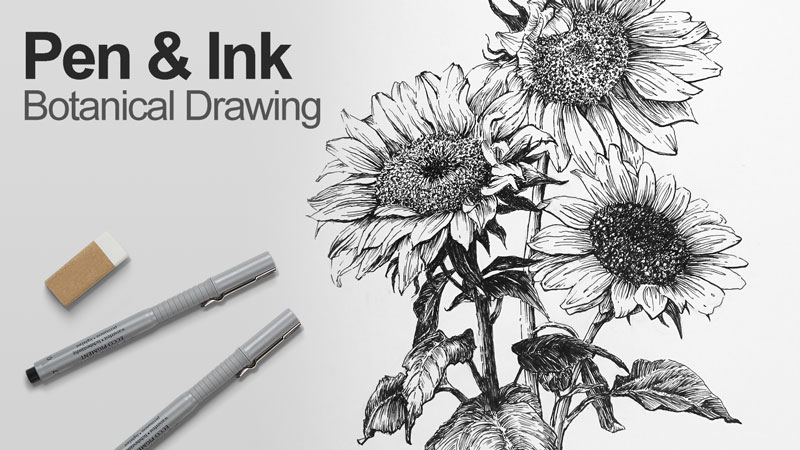
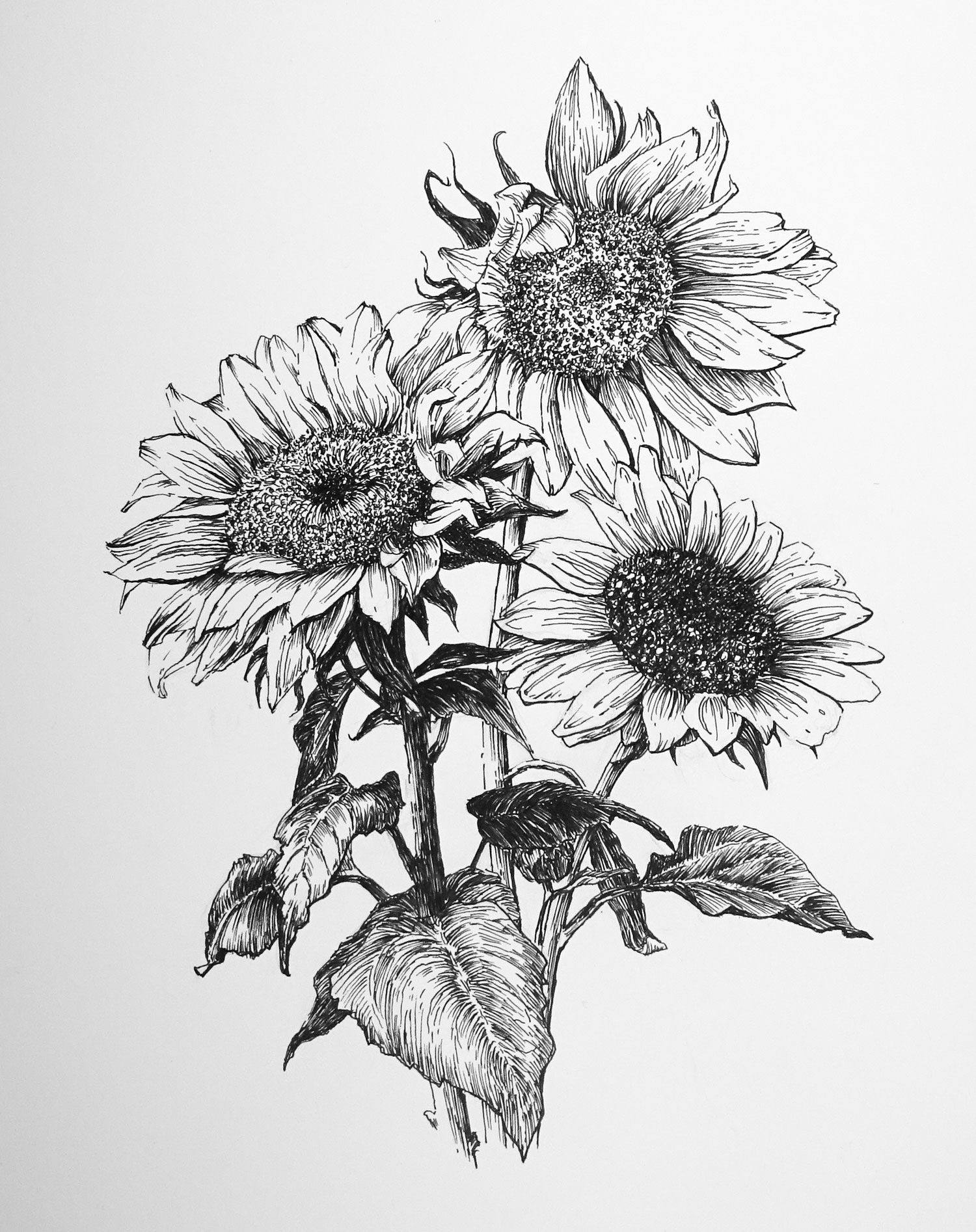
Learn how to draw a botanical subject with pen and ink in this four-part lesson series. Lay out the basic contours with graphite and gradually develop the texture and form with line work applied with technical drawing pens.
Here's what you'll need...
- Technical Drawing Pens
- Smooth Bristol Paper
- Graphite Pencil
- Eraser
I’m curious. When you did the general shapes of the sunflowers did the general shape include the petals of the flowers? Or are we supposed to allow space for the petals to stretch outside of the circles and ellipses?
Thanks.
Hi Brandy, Yes, the general shape included the petals. I like to work from broad shapes first and then define the smaller shapes within the larger ones. The ellipses that were drawn for the overall shape of each flower included the petals. I then went back and defined the shapes for each petal within the larger elliptical shape.
Now that I am trying to work along with you I don’t have time to chat. I am finding that you are going much faster when I am trying to work along with you. I think that is good for me because I think it is too easy for me to get bogged down in detail. Great class. Gail Taylor
Hi Matt, Just got back from a trip to Madrid, so I’m catching up. I thought you might like to know that the correct pronunciation of Staedtler is Stedler.
Were there technical difficulties posting #3?
Hi Christine, Part 3 aired live last night. Recorded versions of the Live Lessons are posted on Saturday or Sunday after the air date. Part 3 will be posted during the day tomorrow.
Ah, thanks!! 🙂 Have a great weekend.
I vote for watercolor/colored pencils!!!
Hello
I am enjoying your lesson but I so wish you had fast replay. I would prefer to watch your lesson quickly first or skip some parts entirely. I am checking out other sites like skill share and this might be a deal breaker for me but know that you are awesome. THANKS!
Hi Connie,
This is an older series and was missing the speed option. I have just added it. You can now change the speed on this lesson series. To do so, scroll over the video player and click on the gear icon. Then choose the speed at which you would like the video to play. I hope this helps.